Open the box.
Drive with proof.
Pick a cable. Stick it to your windscreen. Pair the app. That's it.
Pick your cable.
Two come in the box. Pick the one that works for you.
Hard Wire. Tucks into your fuse box for a clean, hidden install.
OBD-II. Plugs into your OBD port and powers down with the car. Prefer the cigarette socket? Choose the 12V DC cable instead of the OBD-II (£9.99).
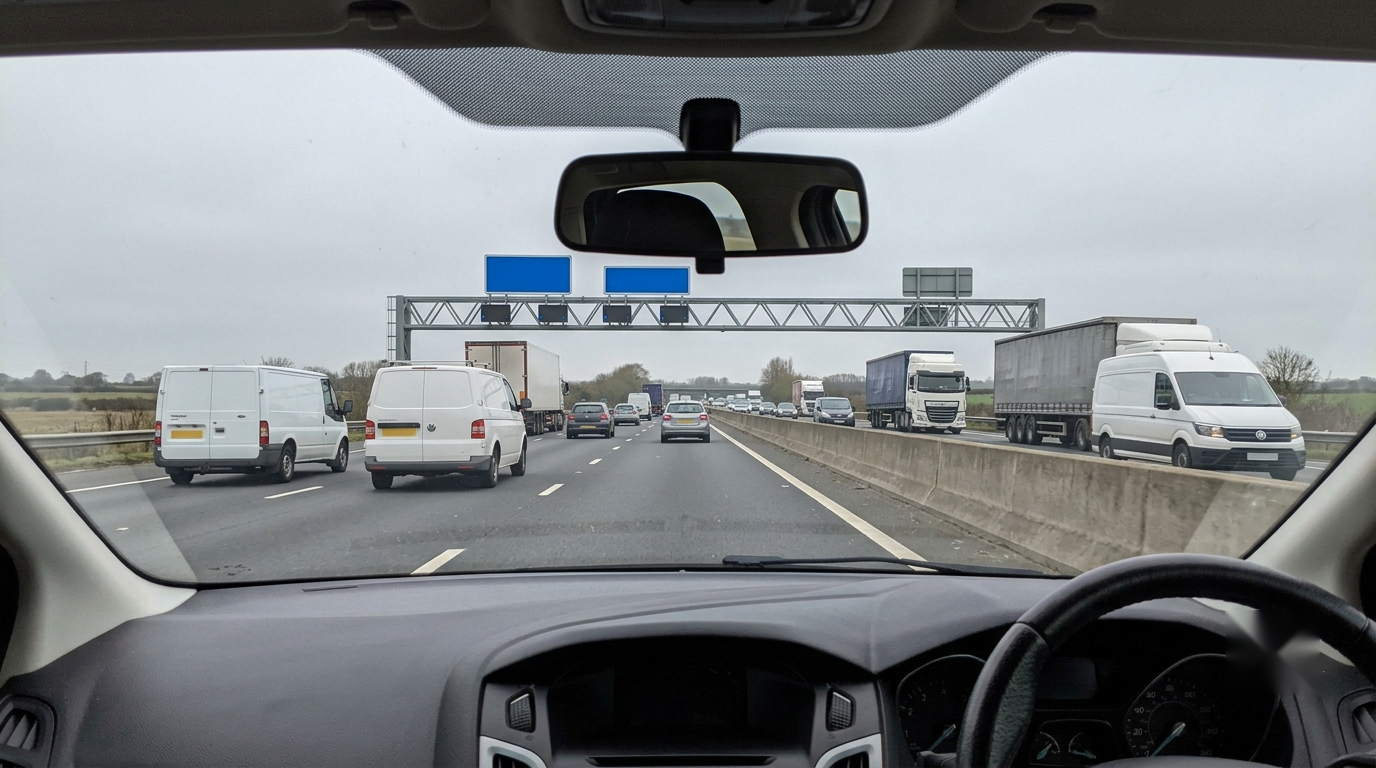
Stick it on the windscreen.
Behind the rear-view mirror. Tidy your cable and plug the camera in.
The mounting pad is automotive-grade and rated for the temperature swings UK cars see. You can reposition once before the adhesive sets, so take a moment to get the angle right.
Pair the app.
Download the TruVisia app. Follow the prompts. About a minute.
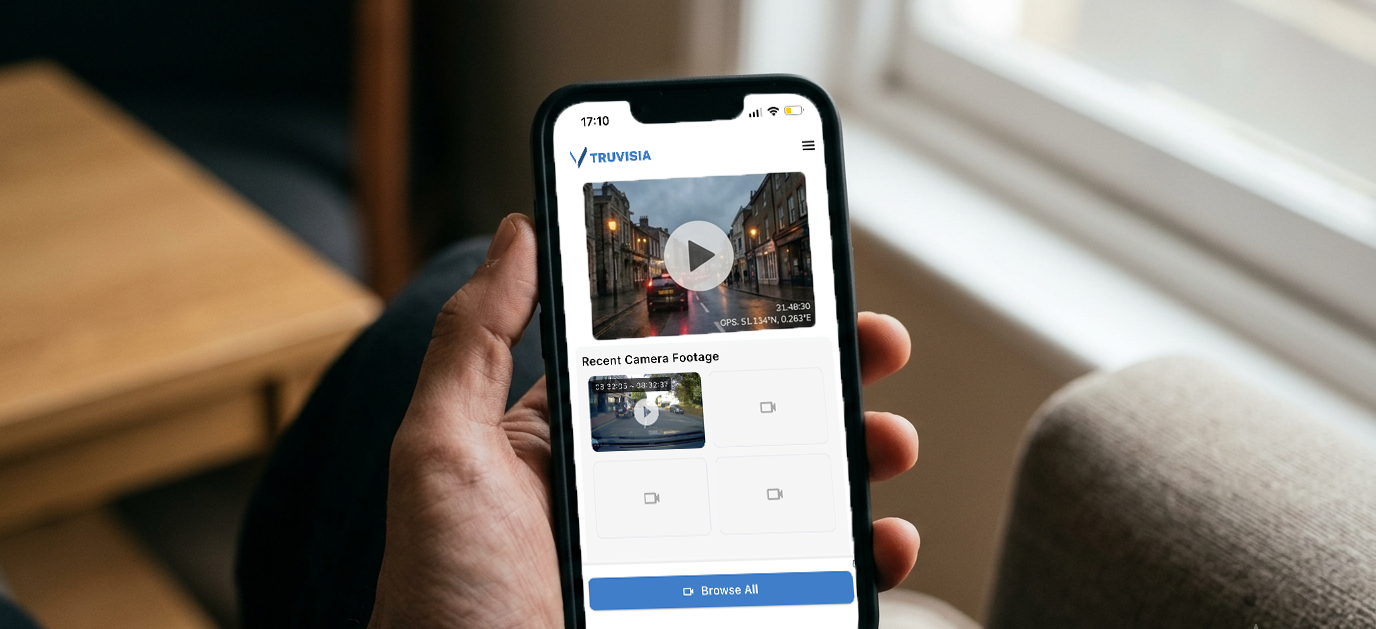
From then on your footage is one tap away. Live view, replay, downloads. The SD card comes fitted, and you never need to touch it; clips go straight to your phone.
Does your 12V socket stay live with the engine off?
Most cars switch the 12V socket off when you turn the engine off. A few keep it powered. If yours stays live, a plugged-in 12V DC cable will slowly drain your battery over a few days of not driving.
If you know your socket stays live, use the OBD-II cable from the box instead: it plugs into your OBD port and powers down with the car.
Not sure? Plug a phone charger into your 12V socket with the engine off. If your phone charges, your socket is live, and you should consider OBD.
Once it's set up, you barely touch it.
The camera records every drive. The Event Button saves a video with one click. Protecting you the moment something happens.
When you want footage, you open the app. No exporting needed; the SD card stays in the camera. No scrolling through hours of video on a laptop.
See it in 30 seconds.
From unboxing to replay in the app. No sound needed, the captions tell the story.